
Carol
Carol is 71, and she's balanced the family checkbook since 1978. The scam took ninety seconds.
The email that looked like a to-do item
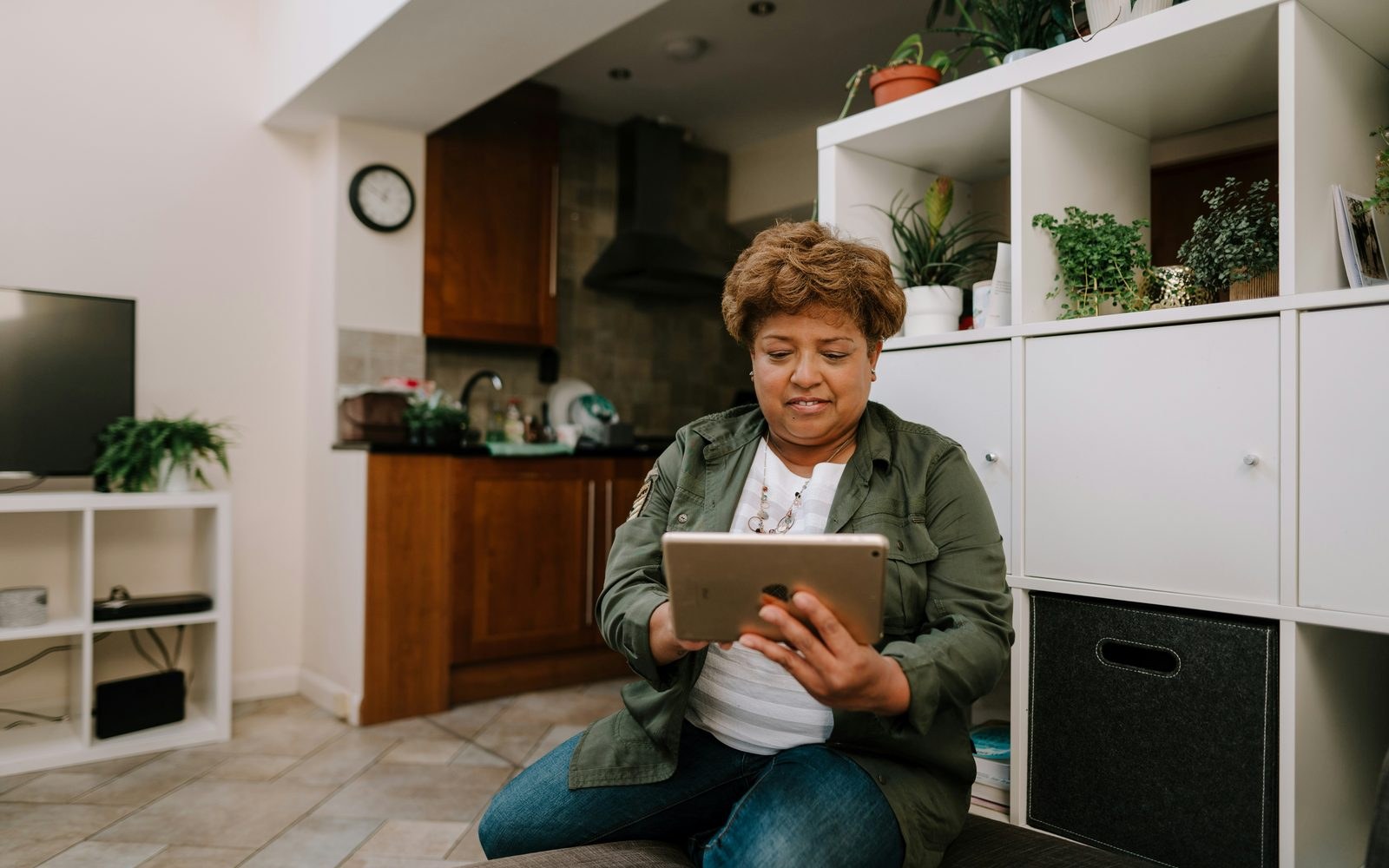
After twenty-six years at her credit union, Carol receives an email. It's a new service fee, payable within 72 hours, with a simple link to log in and take care of it. Carol never misses a bill, and she's happy to take care of this one immediately. She's nothing if not responsible.
A perfect copy
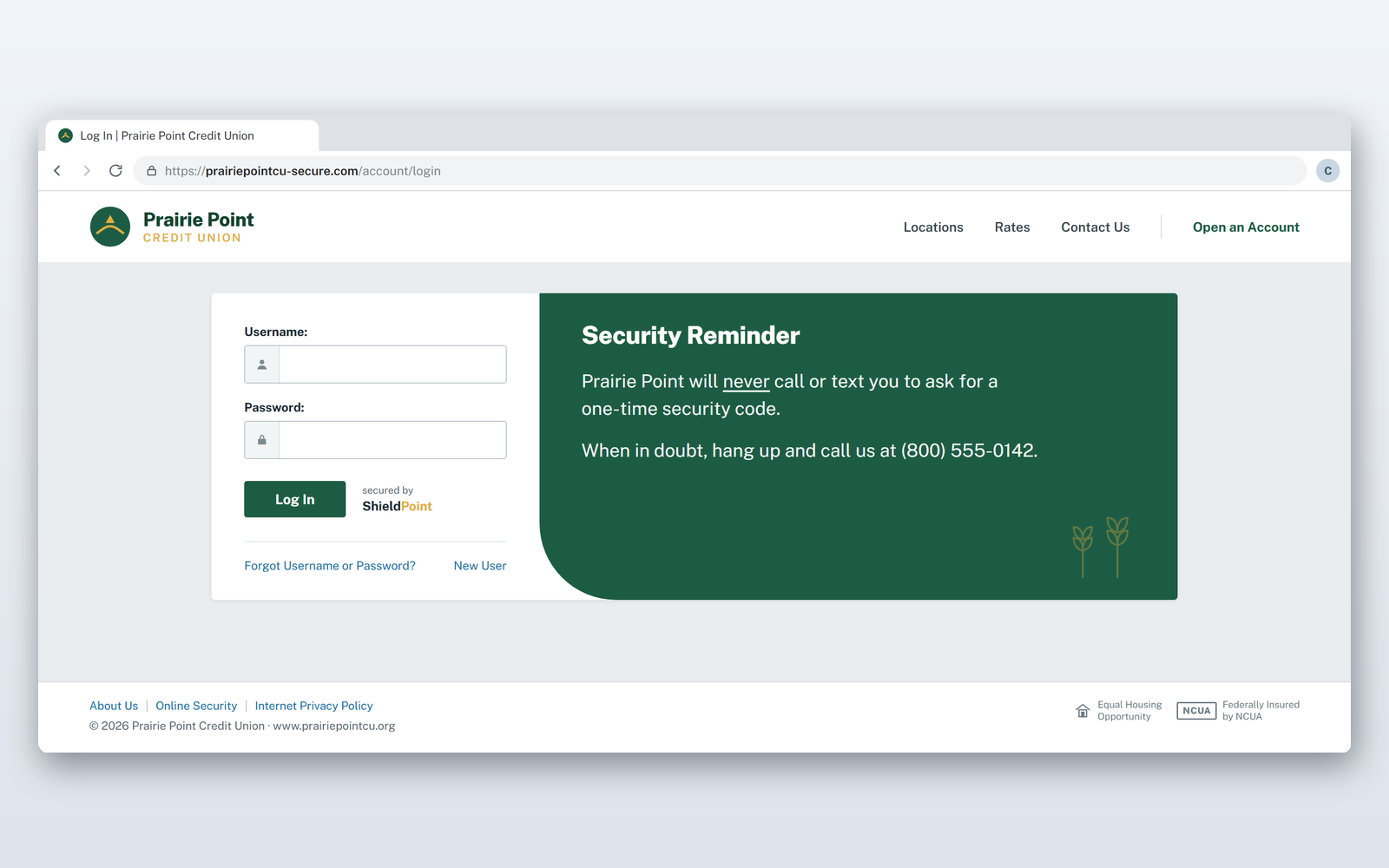
The link lands her on a page that looks so familiar it's comforting. It's the same colors, same layout, same login fields that she's always used. Carol gets to work typing in her credentials. Her username, her password, then her card info. Finally she clicks to submit the payment. “Payment failed. Please try again.” Being the diligent woman she is, she completes the same painstaking process again.
Ninety seconds
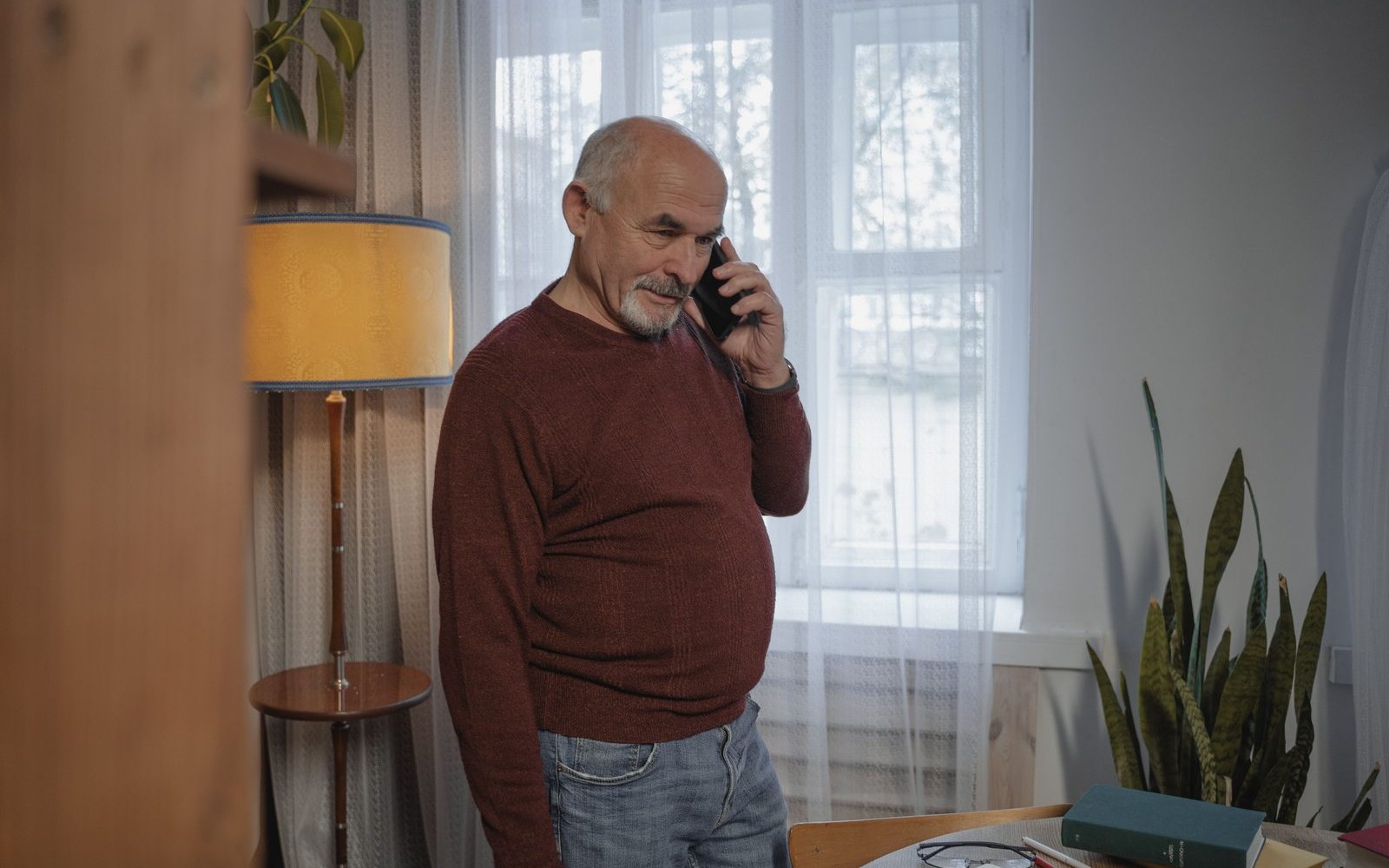
Carol thought she had taken care of the problem. As a witness to it, we know she's only just put her foot in it. She tells her husband, Gene, about the invoice she received today, and he pulls out his credit card and calls the number on the back. There was never a fee. The copy was perfect, and it cost Carol only a minute and a half. The credit union helped protect their finances, but the real cost had already been paid: Carol lost confidence in herself and in the online resources she trusted.
Where this goes differently
Carol will never trust an email or a link again without verifying with Gene first. That's where SAFE Portal enters the picture. You can trick a human, but you can't fake where your website is coming from. SAFE Portal checks for you every time. Carol gets an extra warning when she's fully focused on completing an important time-sensitive task. Gene can even take control of Carol's access by limiting her traffic to the trusted sites she already recognizes.
A dollar a month
Protection like that runs about a dollar a month. Gene asked the only question worth asking afterward: why weren't we already paying for it? Carol got her confidence back for less than a cup of coffee — and she got to keep banking on her own, which is what she wanted in the first place.
— End of Carol’s story. Pick another above to keep reading.
Dave
Dave is 58, thirty years in sales, online since dial-up — and he's used the same two passwords since 2009.
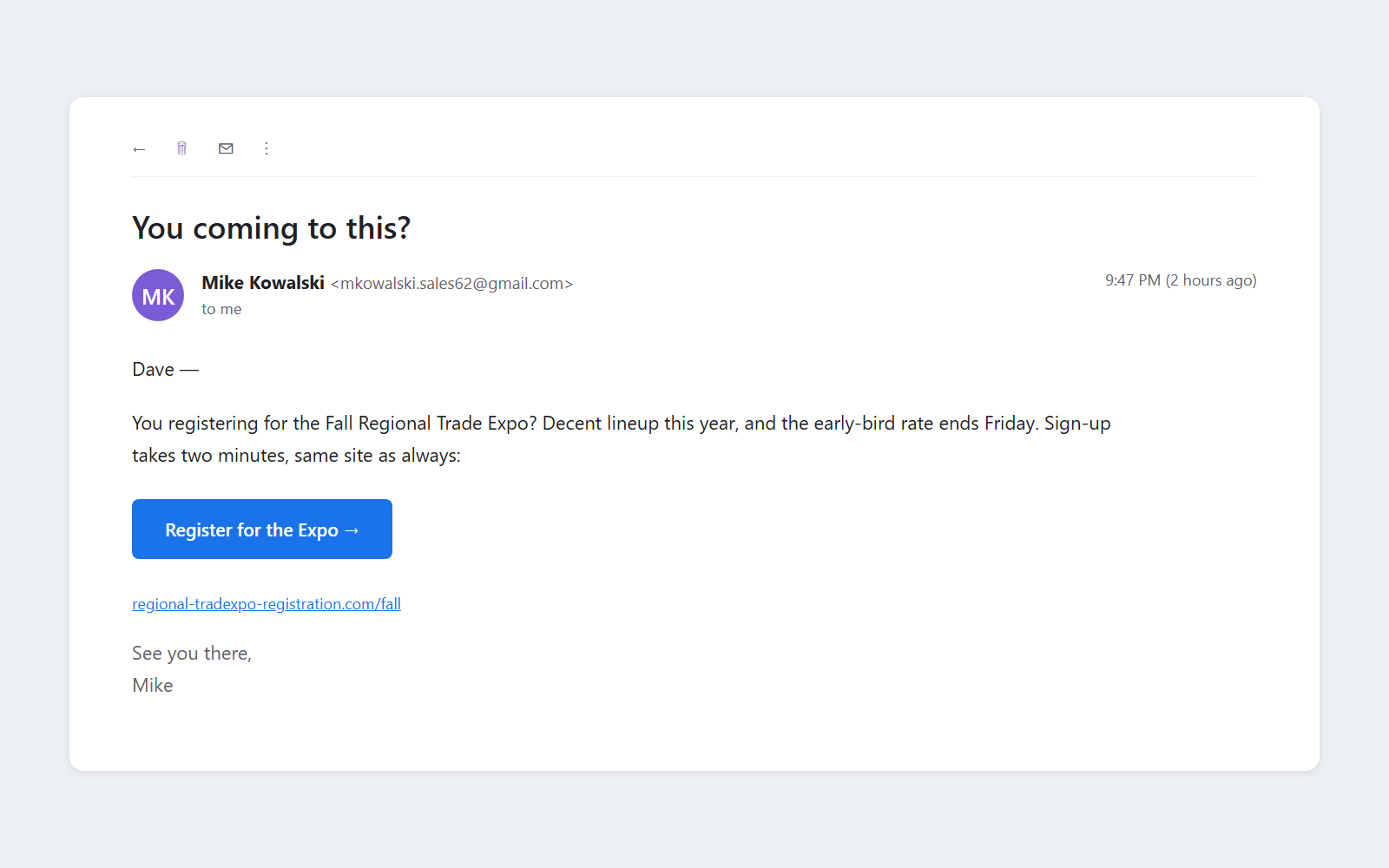
An email from Mike
Real name, real address, a convenient event registration site Dave has used before. So he clicks, signs in with his email and password, registers, and goes to bed.
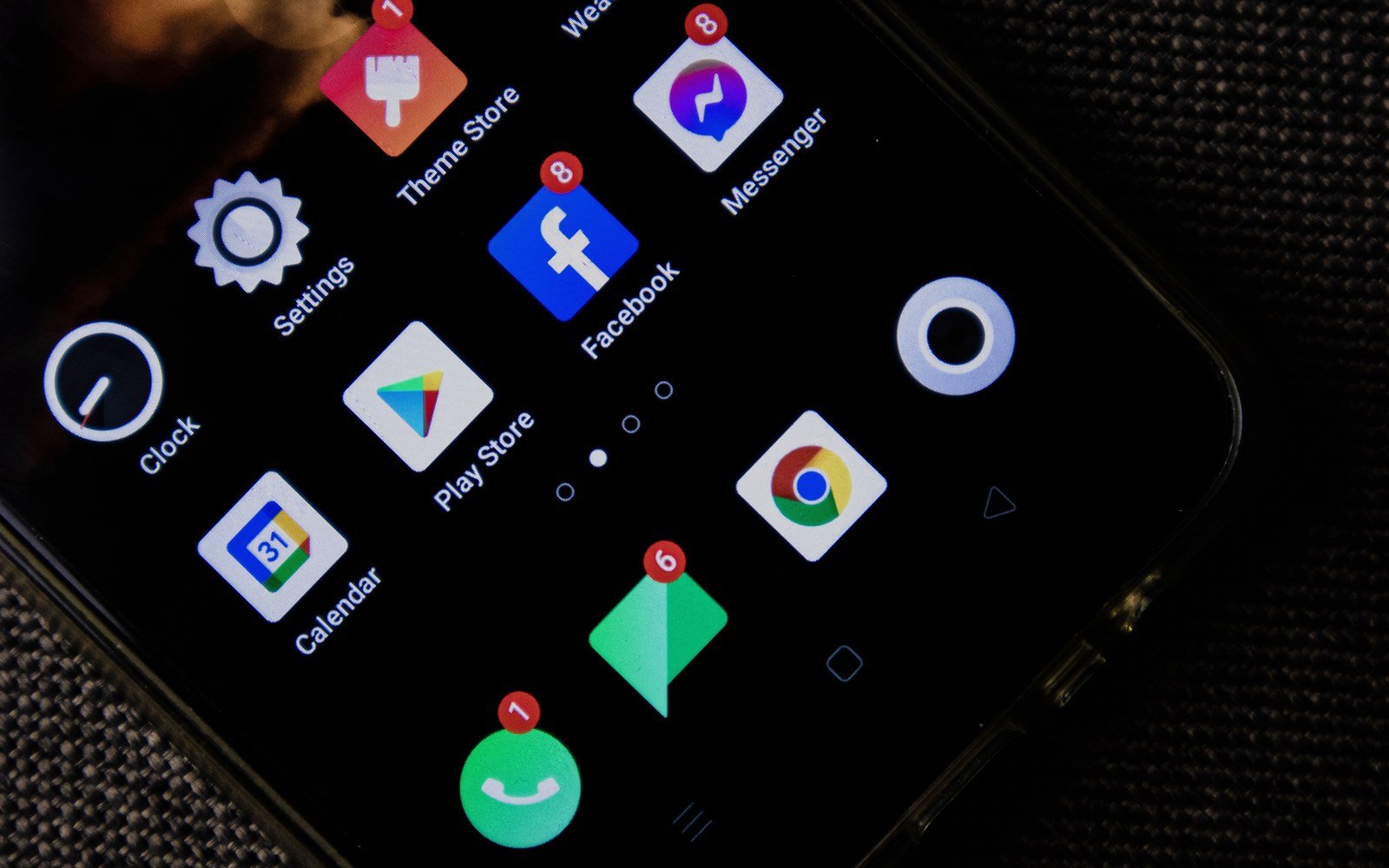
14 messages and 1 call
Dave woke up the next morning to an overwhelming number of messages. From EVERYONE. His cousin he hasn't spoken to since 2019, his best friend, his boss, even his kids are reaching out with concern. The sign-in page was fraudulent, and Dave just handed his access away. This allowed the criminals access to his contact list, whom the scammers spammed with the same fraudulent invite. Dave spent the rest of his Saturday copping to his mistake. The frustration and embarrassment of getting duped won't stop Dave from protecting those around him.
Fraud is not weather
Other than the temporary embarrassment, Dave lost nothing, but he's resigned to the new ‘reality’ that there is no avoiding scams. That's an unhealthy way of looking at it. Fraud affects unprotected accounts. His friend's account was unprotected, so Dave was an unfortunate bystander who became a victim. Your security doesn't affect just you, but your entire contact list.
Where this goes differently
The fake event registration page looked identical to Dave. SAFE Portal doesn't fall for those tricks. Instead we screen the link to give Dave a new opportunity to recognize the fraud, and we don't stop there. SAFE Portal also blocks Dave and any other user from entering their login into a site they haven't been to before, giving another warning and opportunity to unsuspecting users to make sure you aren't apologizing to everyone on your contact list. The tool that does it costs about a dollar a month.
— End of Dave’s story. Pick another above to keep reading.
Ray
Ray is 67. He followed his passion when he was younger and ended up running a small business. He's never had to manage cybersecurity and his team of five employees doesn't warrant dedicated IT.

Built on handshakes
Ray is focused on tailoring while at work. Now that he owns his own business, he needs to manage many other things, but avoiding phishing emails is not one that comes naturally — and why would it! Security has always only ever meant locking a door for him.
One click
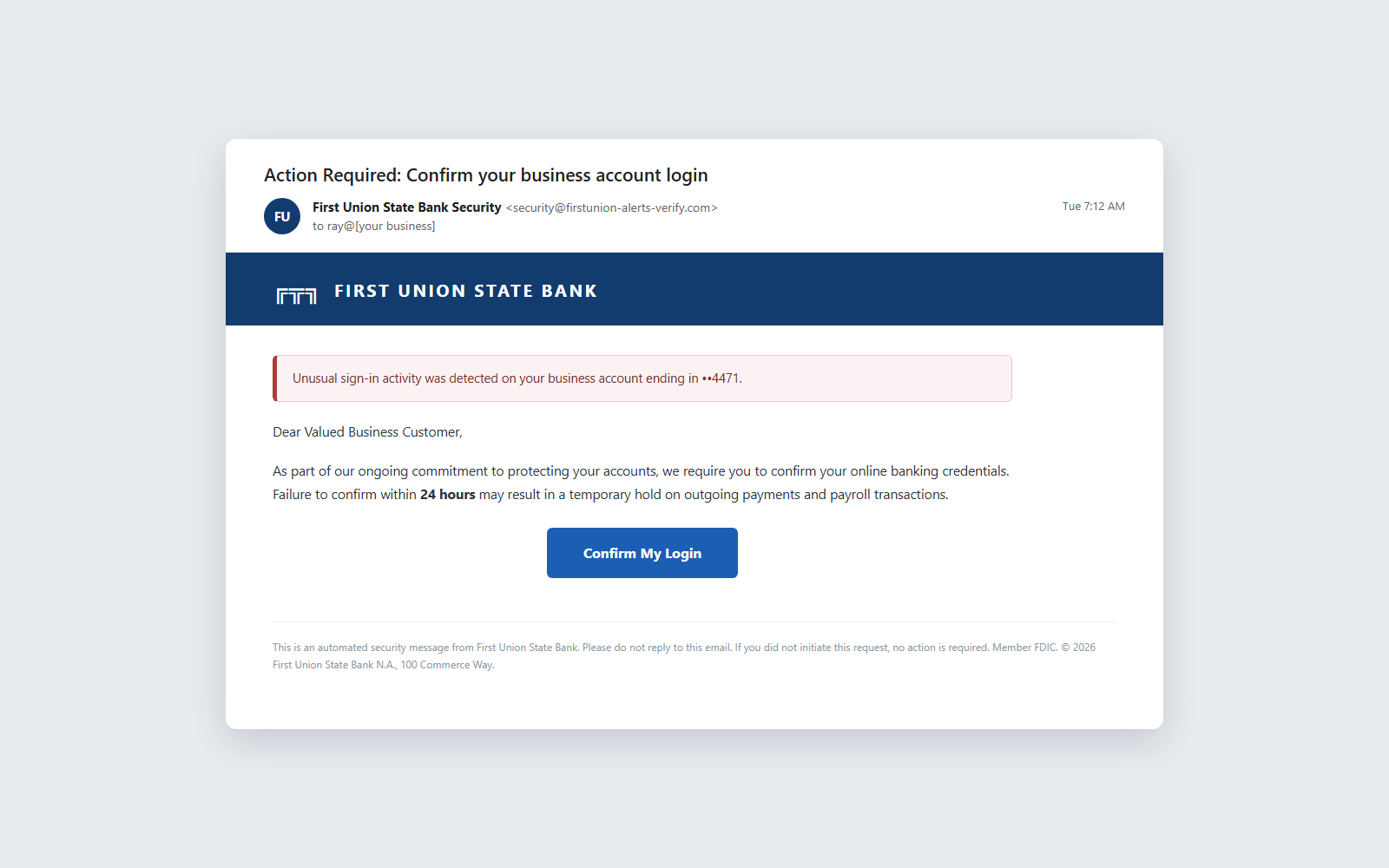
One day at work, Ray gets an email. It asks him to confirm changes to his account by logging in. Ray clicks the link and logs in. He verifies the information and goes on with his day. Only later does he realize something is wrong when his clients start emailing him and he gets a call from his bank. Turns out, not only was his banking account now compromised, but since he used the same password for his email, so was his email.

The phone calls
Ray's email and bank account weren't the only accounts with the same password. All of his accounts were throwing notifications and he lost all of his access. One day he gets a call. A ransom for all of his access. $17,000. This still couldn't have covered the costs of an IT team or many typical protective tools. So how is Ray supposed to keep himself safe in today's ecosystem.
Where this goes differently
If Ray was using SAFE Portal, he would've gotten many more warnings. Even before the phishing email, SAFE Portal would highlight the password re-use and enable a larger variety of passwords without Ray needing to worry about remembering them all. When he got the email, it would've been flagged with an additional warning. With his smaller team, he could even set up advisor privileges to give himself additional assistance he might need without sacrificing privacy. The best part? $17,000 would cover all six of them for nearly 300 years.
— End of Ray’s story. Pick another above to keep reading.